This is a read-only archive of the old Madabout Kitcars forum. New posts and replies are no longer possible, but every thread is still here to browse and read.
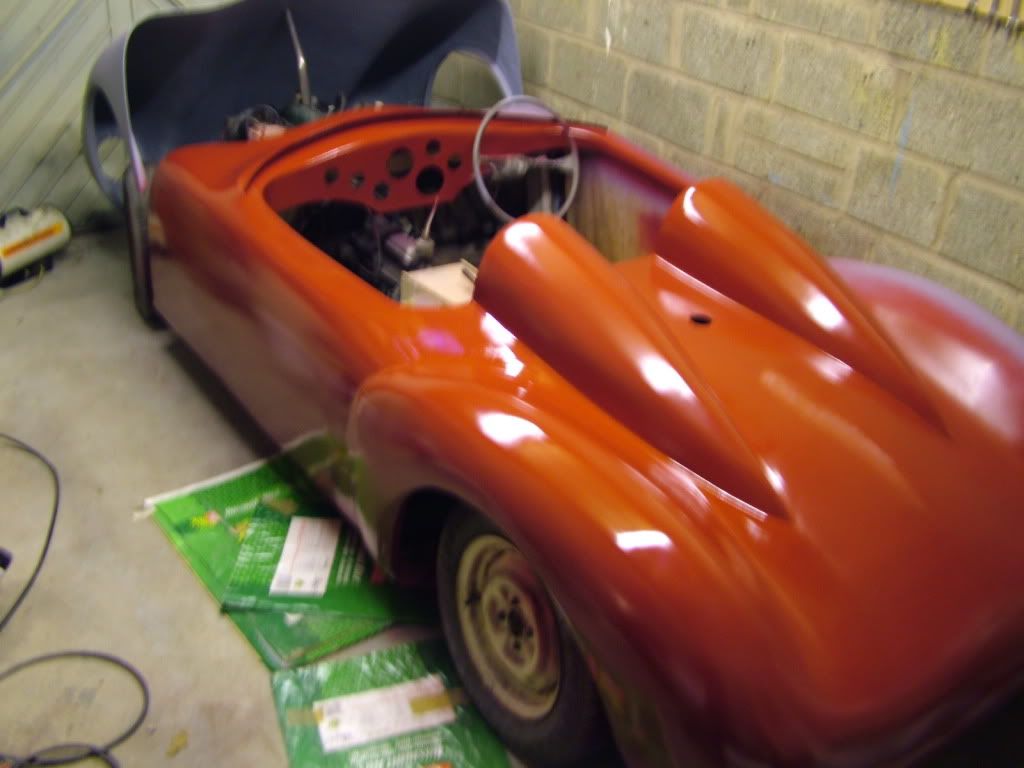
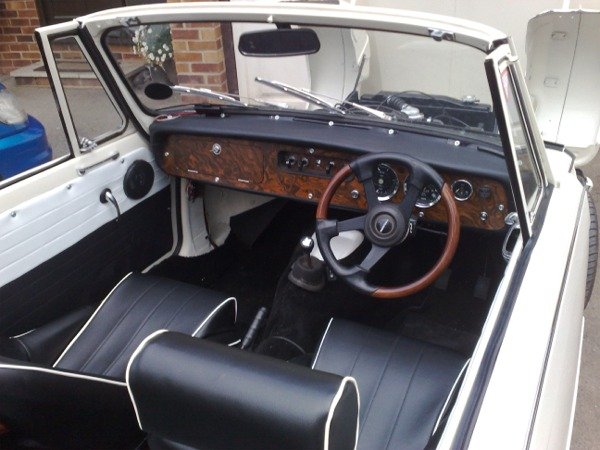
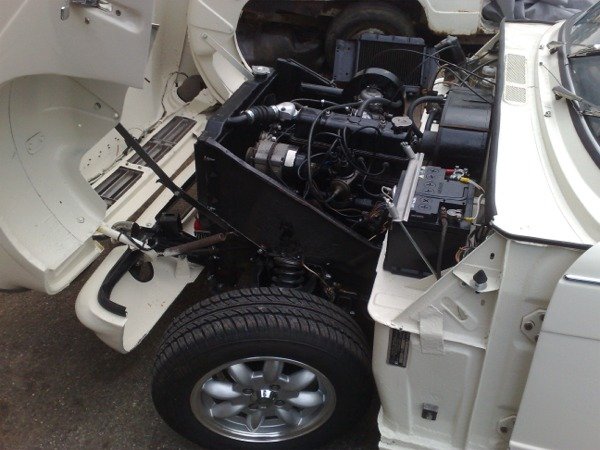
Thread for people to practice uploading pictures...
Hi all I found by using paint when using windows I could reduce the size that way I copied the piccy I want to post (so not to bugger the original) to a spare folder open the pic open paint in the drop down (open tab) reduce it and save then using the manage attachments tab browse the spare folder and attach. My next experiment is to get a piccy direct onto the thread..PAT
Hi, I click on "image" then resize, in this box is 2 boxes set at 100% I change them down two about 30% to get the acceptable size, thats after using my 10megspixel cameras image, good luck it's all trail and error mmmm sounds like building a Sammio Spyder.... PAT
Hi, I click on "image" then resize, in this box is 2 boxes set at 100% I change them down two about 30% to get the acceptable size, thats after using my 10megspixel cameras image, good luck it's all trail and error mmmm sounds like building a Sammio Spyder.... PAT
OK, I think I see the problem now. My old laptop is running windows 2000 and I don't have the resize option on the 'image' tab. I'll try modifying an image on my wifes (xp) laptop and see if that helps. Off to work now, so I'll try later.
I'd heartily recommend getting a free photobucket account and upload your pics to that so that you don't have to worry about resizing etc.. then just add the IMG tag that they give you, and Robert's your fathers brothers
I agree with you, I am a dinosaur when it comes to new technology involving computers but Charlie my fellow builder of the "G46 V8 Mk1" & son showed me how to upload from Photobucket today (see my earlier post) once you have been told it's as easy as "quantum theory", but honestly it's easy Cut, Copy & Paste.
I resize my images using PaintShop Pro. So far I have only managed to add them as an attachment. How do I embed a photo in with the text like the one above? Why can't I just copy and paste the photo into the forum post? Also slightly off topic I still can't seem to insert smileys. Tried copying them and pasting from the list and tried dragging and dropping them. Either way I just get the code for the smiley, not the image. Peter.
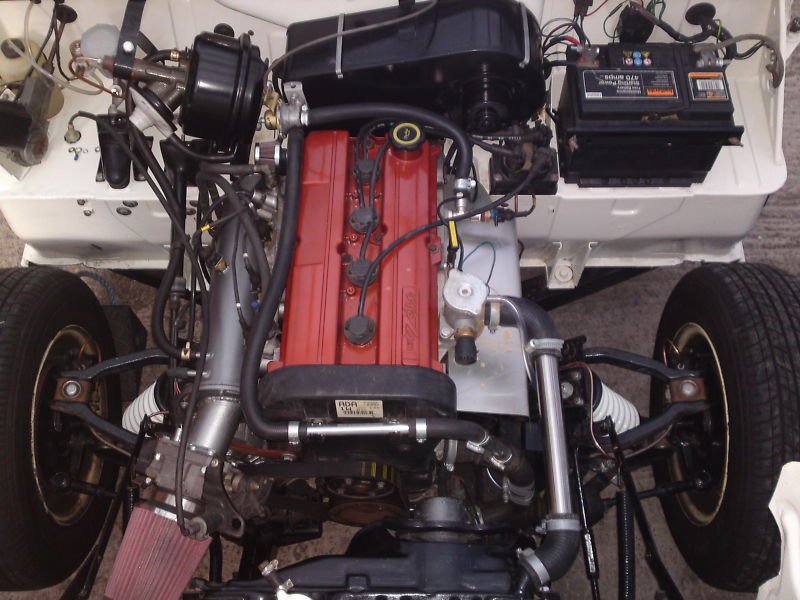
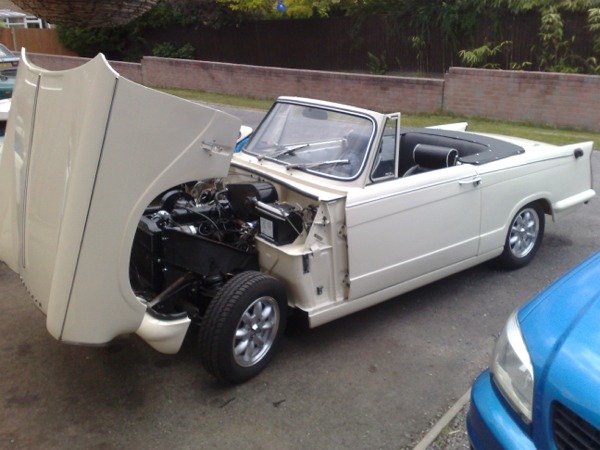
Paulm321 - Very slick looking conversion, Ford Zetec I'm guessing?
I particularly like the plumbing for the radiator. Having toyed with a Land Rover header tank and decided that the plumbing would be a bit too complicated for its own good I'm thinking of using an in-line filler cap mounted at the highest point on the system linked to an expansion bottle.
As that looks like what you've got there, any hints and tips would be appreciated.
Paulm321 - Very slick looking conversion, Ford Zetec I'm guessing?
I particularly like the plumbing for the radiator. Having toyed with a Land Rover header tank and decided that the plumbing would be a bit too complicated for its own good I'm thinking of using an in-line filler cap mounted at the highest point on the system linked to an expansion bottle.
As that looks like what you've got there, any hints and tips would be appreciated.
Unfortunately I can't take any credit for the conversion as it's not mine, I pinched the picture, as it is what I will be doing to mine but with an MX5 engine and box, I searched Herald engine swop on Google images and several similar things come up, also Retro Rides forum is a good place to research such things!
Regards
Paul

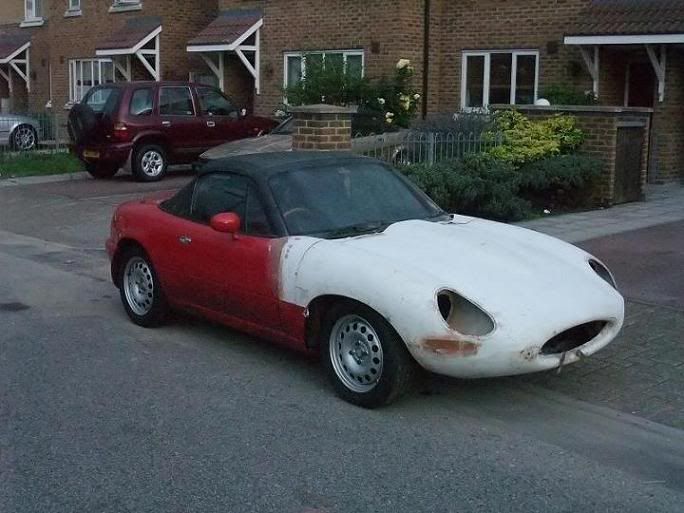
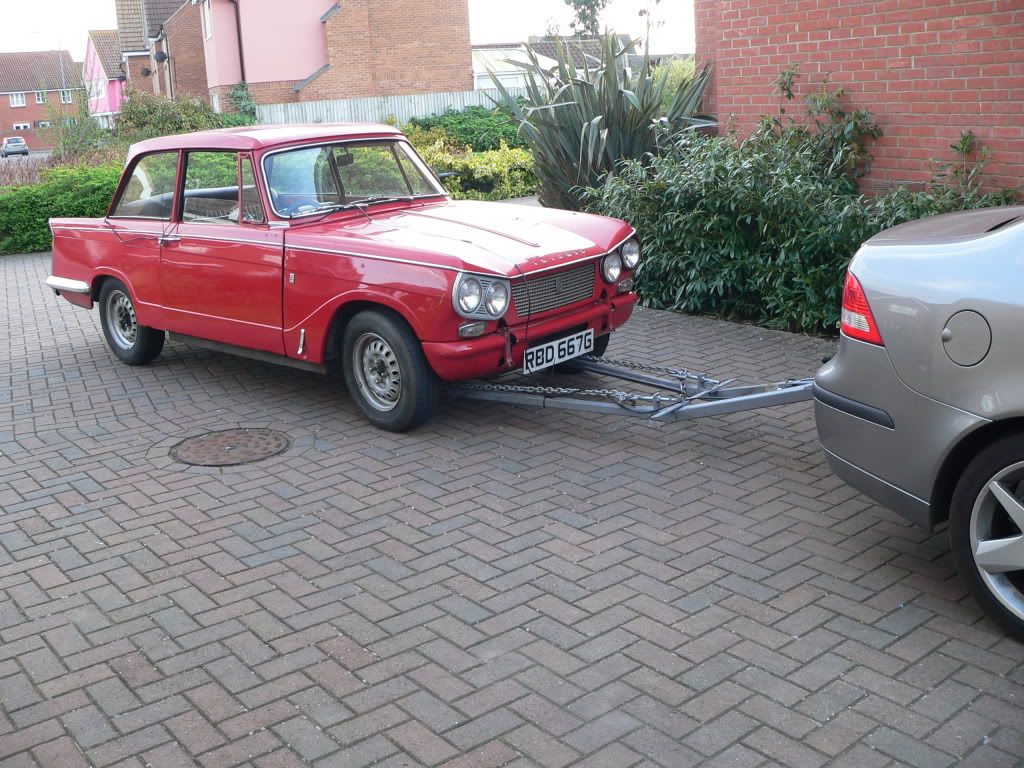
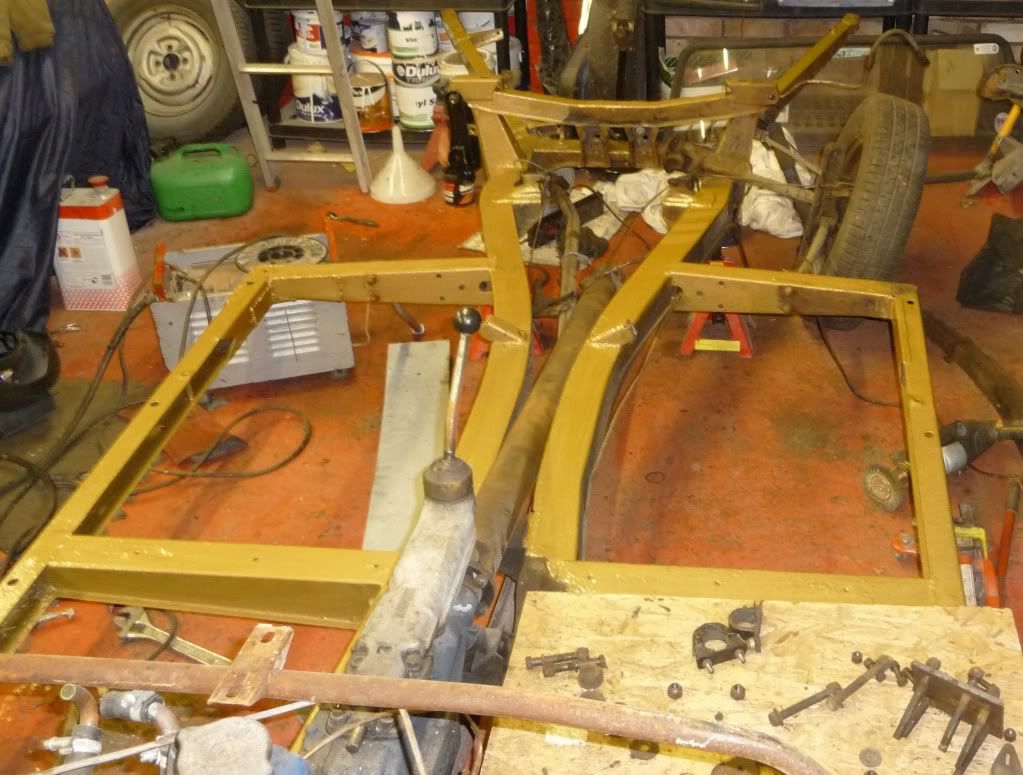
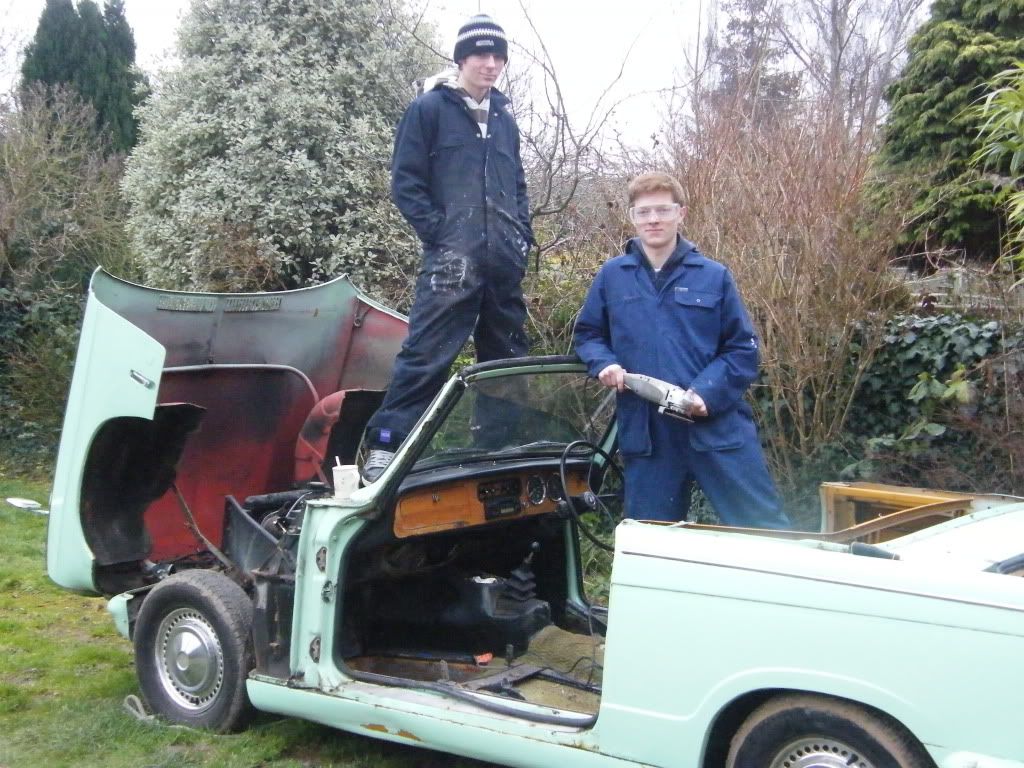


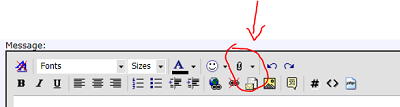
 You have to click the smileys
 eep: this is :"peep": (remove the quotes)
